Number 1: iPhone 5

iOS 6 offers many improvements and while it may not have some of the latest technologies, such as NFC or wireless charging, it does so many things right that it has to be considered one of the top smartphones today. For most family and friends that ask me about the best phone today for them, I recommend the iPhone 5. I keep using it due to the high quality and extensive selection of available apps that I don't find on other platforms. Prices range from $199 (16GB) to $399 (64GB) on contract with a premium of $450 additional cost if you buy it without a contract.
Number 2: Samsung Galaxy Note II

I thought the Samsung Galaxy S III was the best phone on samsung and rivaled the iPhone 5 as the top device to choose from. However, from the perspective of a data-centric smartphone user, the Galaxy Note II bumped the Galaxy S III from my hands and is my favorite device . The Note II models the form factor of the Galaxy S III.
I thought about giving the Note II my top spot here, but it is really too large for many people and is quite an expensive device. It is made more for the data-centric person who wants a device that bridges the gap between a full tablet and a smartphone.
The Galaxy Note II pushes the limits for smartphone technology, with the most advanced specs you will find on any smartphone today, including Android 4.1 Jelly Bean, 1.6 GHz quad-core Samsung Exynos processor, a whopping 2GB of RAM, 5.5-inch Super AMOLED HD display, 8 megapixel rear camera, 1.9 megapixel front-facing camera, 16GB internal memory with microSD storage for up to 64GB more storage, Bluetooth 4.0, LTE, and more.
Nothing beats the specifications of the Note II today and even better than that Samsung brings some unique user experiences to the consumer.
The S Pen is truly a usable and valuable addition to the Galaxy Note II this year, with some software enhancements such as Air View that let you view content without even touching the pen to the display and S Note pen-enabled note capturing program. Smart Gestures, Quick Glance, and Smart Stay use sensors on the phone to improve your experiences. The camera takes great shots and when you look at all of the available options they can get even better. You can find the Galaxy Note II on all four major US wireless carriers.
Number 3: Samsung Galaxy S III

The Samsung Galaxy S III is the best Android smartphone available on all major US wireless carriers today. In addition to high end specifications, the Galaxy S III has some of the same software enhancements seen on the Note II. The camera takes great photos, the device works well as both a phone and a data device, the form factor is sleek and attractive, and it is priced competitively on all carriers.
Even with a 4.8-inch Super AMOLED display, the Galaxy S III feels good in your hand and doesn't feel that big. The Android and Samsung ecosystem is greatly improving and you can now easily find movies to rent or purchase on Google or Samsung, books to purchase, music to purchase and stream, and much more. You can find the Galaxy S III in various colors and priced in the typical $200 price range.
Number 4: Nokia Lumia 920

The Nokia Lumia 920 looks a lot like the Lumia 900 and unfortunately it is launching exclusively on AT&T. Thus, you can only pick it up on one carrier, unlike all the rest of the phones in my top five list. It may eventually come in 2013 to other carriers, but no announcements have been made yet. That said, the Lumia 920 offers more than the HTC 8X when you compare the device and software. The Lumia 920 also comes in a variety of bold colors that are attractive and unique.
Nokia has always excelled at imaging and provides the best low light experience with PureView on the 920. They also offer helpful camera lenses (utilities), wireless charging, Nokia Drive turn-by-turn voice navigation, Nokia Music (free streaming and offline music service), and other Nokia exclusive apps. If you stack up the Lumia 920 with other new WP8 devices, it is the clear winner; but the exclusive launch is not helpful in the US.
The Lumia 920 is a bit heavy when compared to the 8X, but it is even better constructed than the Lumia 900 and brings back the feel of the Lumia 800. The display looks great and the PureMotion+ technology -- which lets you control it with your fingernail and gloved finger -- is amazing.
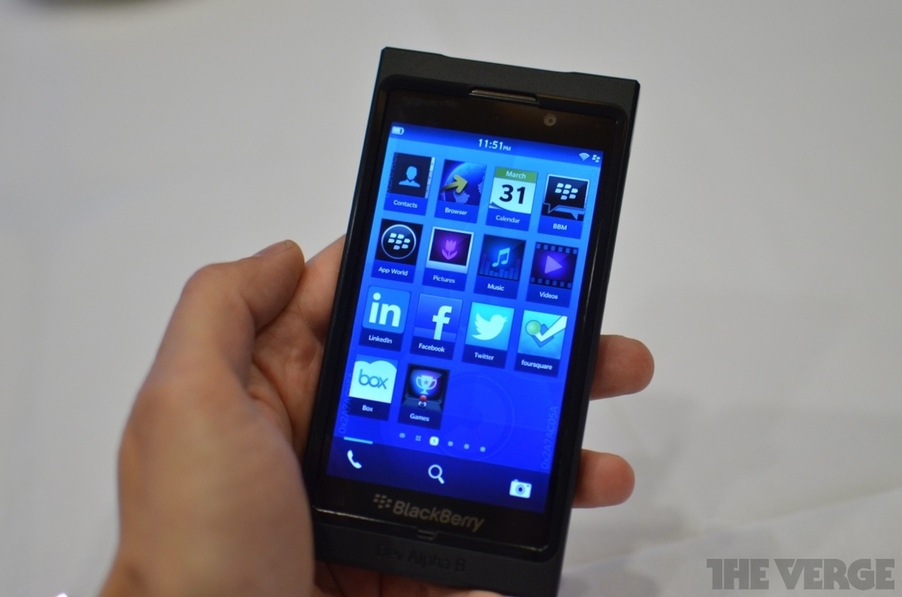
Number 5: BlackBerry Bold 9900
 A brand new OS, more speed, a facelift and a high-res touchscreen, the latest of the Bold messengers is listening for the roar of the crowd. There's no going back to the old rational and composed self - give it danger, thrills and excitement. The BlackBerry Bold Touch 9900 is stronger, faster, better. No ordinary messenger, it's the bearer of good news.
Although on a second thought, a snappy 1.2GHz processor, the new BlackBerry OS 7.0 with Liquid graphics and a super crisp VGA touchscreen are no good news for the competition. Nor is HD video, dual-band Wi-Fi and NFC support. And all that comes on top of the standard BlackBerry package. The solid build quality and corporate grade email and data security go without saying. The sharp precision of the trackpad and a responsive capacitive touchscreen balance each other in a device that's convincingly comfortable to handle. Add a standard-setting QWERTY keyboard, and you have a phone which puts you in charge.
What is your favorite smartphone for the holidays?